Order Print Settings: personalização do talão
Personalize o conteúdo dos seus talões impressos em poucos cliques, adicione o seu logótipo, os dados da empresa, um rodapé e muito mais, diretamente a partir da consola Expedy.
✅ Disponível para: Shopify, GoodBarber, Wix e HubRise
Para as restantes integrações, consulte: PrestaShop · WooCommerce · WooCommerce WCFM · API · Zapier · Layout do talão
Aceder às Order Print Settings
- Inicie sessão na consola Expedy
- Vá a Printers
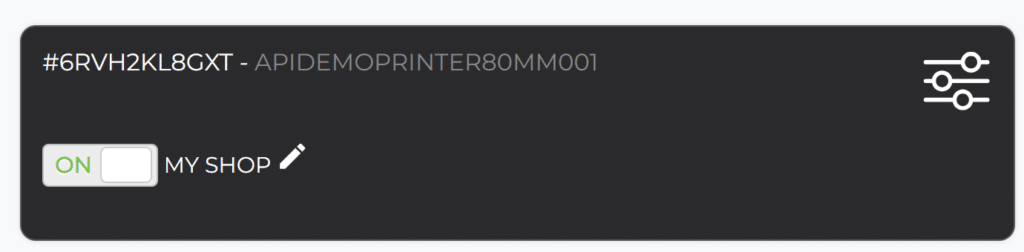
- Selecione a impressora que pretende configurar
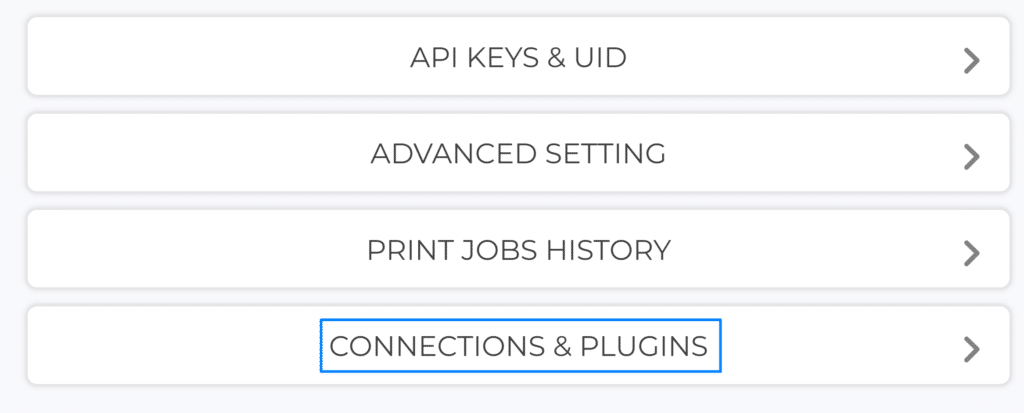
- Abra o separador Connections & Plugins
Cabeçalho do talão
Fuso horário
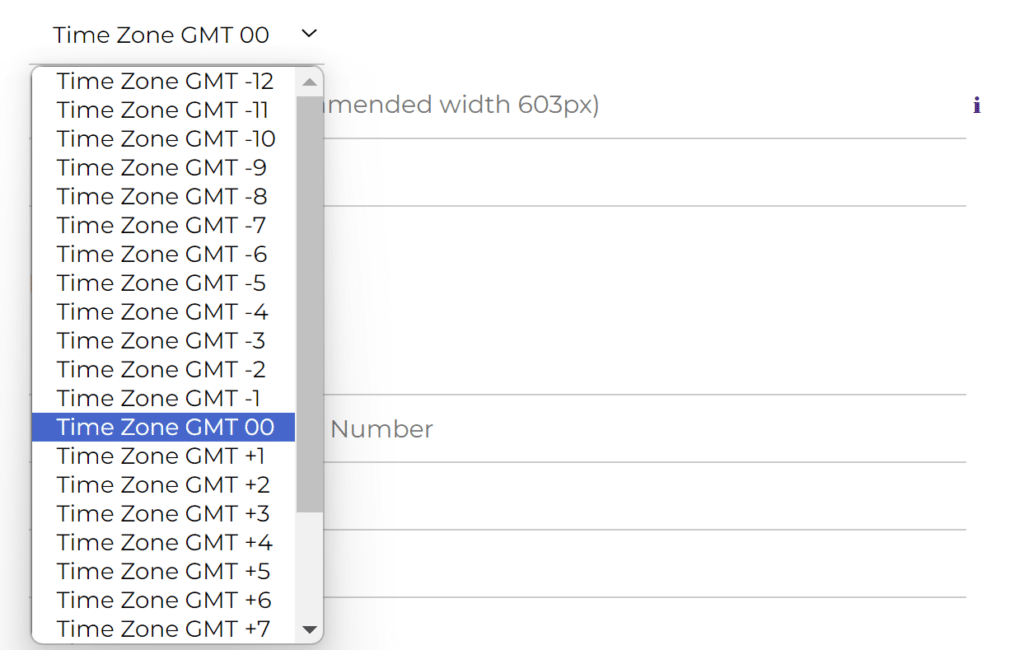
Defina o fuso horário correto para que os talões apresentem a data e a hora certas.
Logótipo
Adicione o logótipo do seu estabelecimento ou qualquer imagem no topo do talão. Consulte os requisitos de imagem para formato e dimensões.
Nome da empresa
O nome da sua loja ou um título personalizado apresentado no topo do talão.
Rodapé do talão
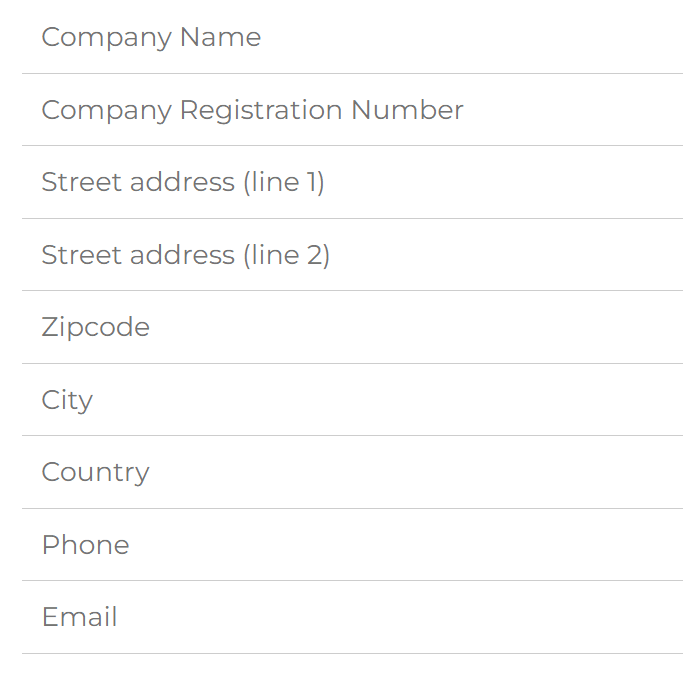
Adicione qualquer informação da empresa que pretenda apresentar no fim de cada talão:
- Denominação social
- Número de registo da empresa
- Morada postal
- Contactos (telefone, email, etc.)
Todos os campos são facultativos e de preenchimento livre.
Opções avançadas
Cópias do talão
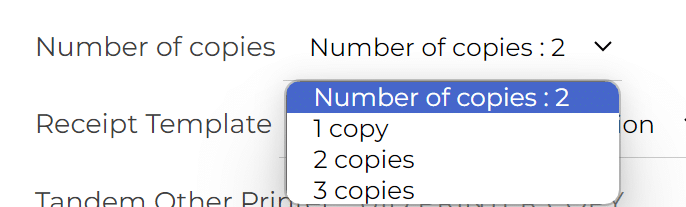
Defina o número de cópias a imprimir automaticamente em cada encomenda.
Modelo de talão
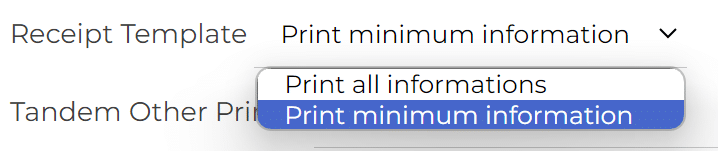
Escolha o layout que melhor se adapta à sua organização.
Impressora tandem
Adicione uma segunda impressora para imprimir automaticamente uma cópia de cada talão. Introduza o UID da segunda impressora, que já deve estar adicionada à mesma conta Expedy.
Notificações SMS de encomenda (apenas França)
Introduza um ou vários números de telemóvel para receber um SMS a cada nova encomenda. Separe os números com ponto e vírgula.
ℹ️ Este serviço está disponível apenas em França e é faturado a 0,10 € por SMS. Contacte-nos para o ativar.