Imprimir los pedidos de GoodBarber eCommerce con Zapier
GoodBarber eCommerce se conecta a Expedy PRINT a través de Zapier. Cada nuevo pedido realizado en su aplicación o en su tienda web dispara una impresión, y el ticket sale de su impresora cloud en unos segundos.
El webhook nativo de GoodBarber descrito en versiones anteriores de esta guía ya no se utiliza. Zapier es ahora el único recorrido admitido.
Lo que necesita
- Una cuenta Expedy con una impresora activa. ¿Todavía no la ha añadido? Siga la guía de su equipo, Expedy XPDY80, HSPOS, Star Micronics o Raspberry Pi
- Una cuenta GoodBarber eCommerce
- Una cuenta Zapier, gratuita hasta 100 tareas al mes
Según su configuración, esta conexión puede realizarla su partner o su agencia. Consúltele antes de empezar.
Paso 1, Crear el Zap
Inicie sesión en Zapier, haga clic en + Create en el menú de la izquierda y luego en Zaps.
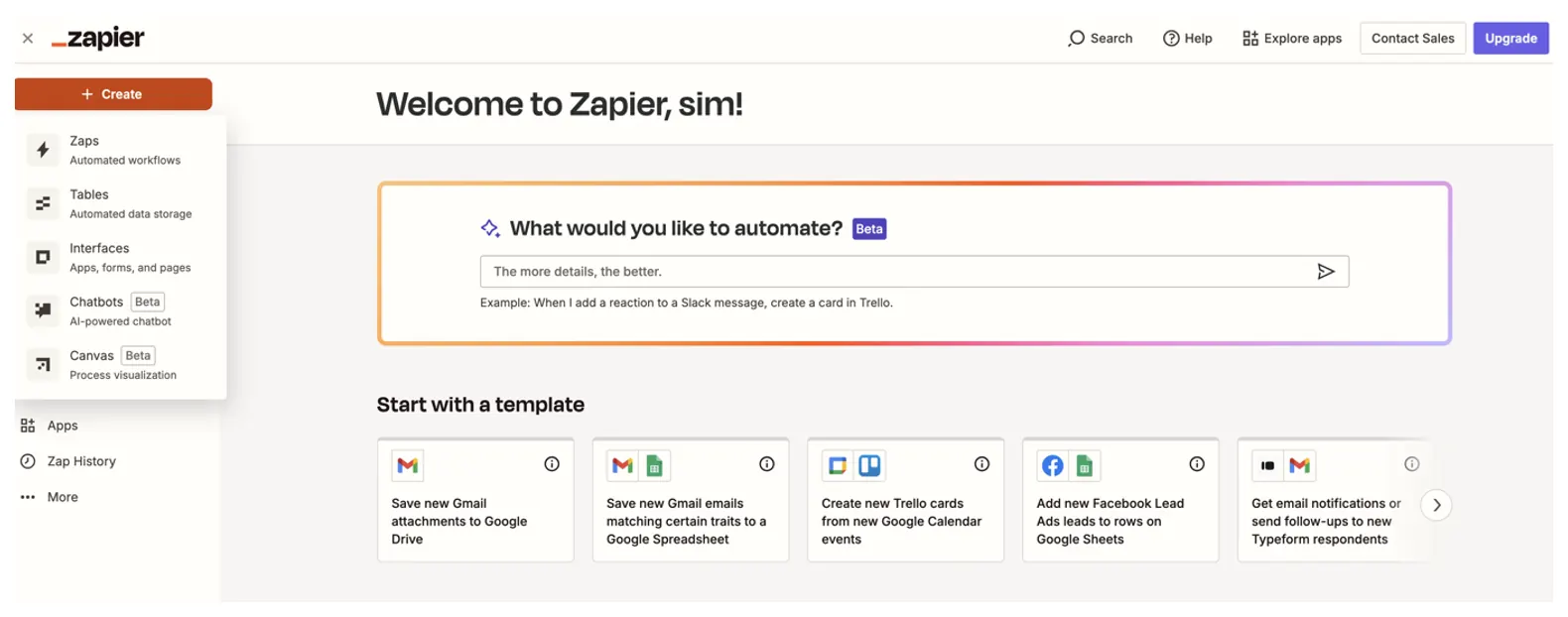
Paso 2, Definir GoodBarber eCommerce como disparador
En el editor de Zap, haga clic en el bloque Trigger, Select the event that starts your Zap.
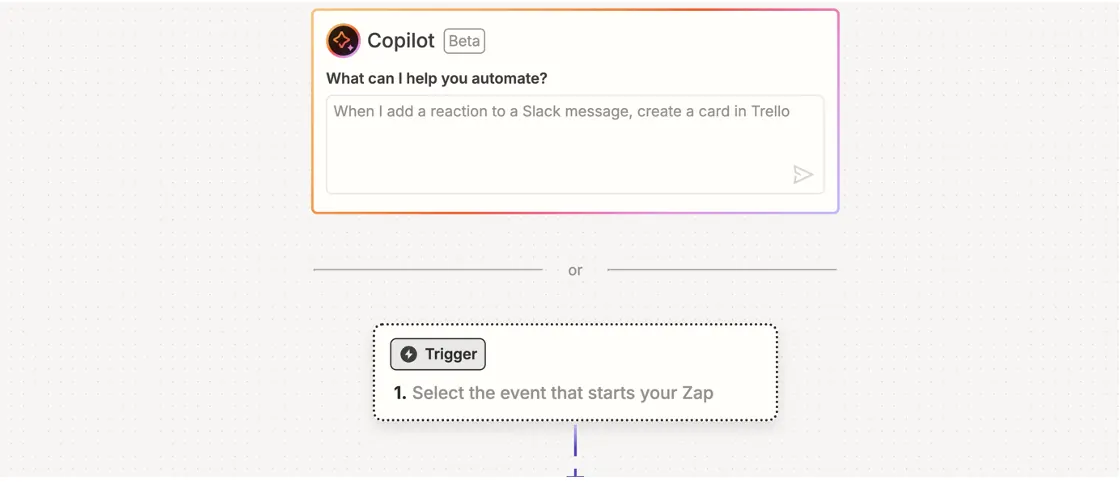
Busque y seleccione GoodBarber eCommerce, y elija New Order como evento disparador.
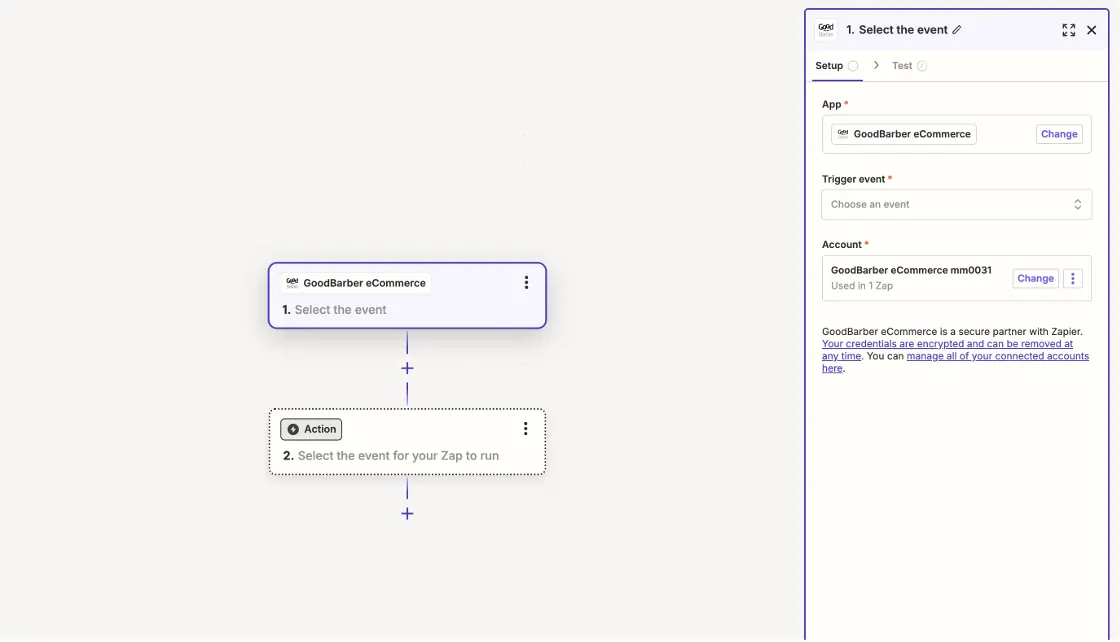
Paso 3, Conectar su cuenta GoodBarber
Zapier pide el App ID y la Key de su tienda GoodBarber.
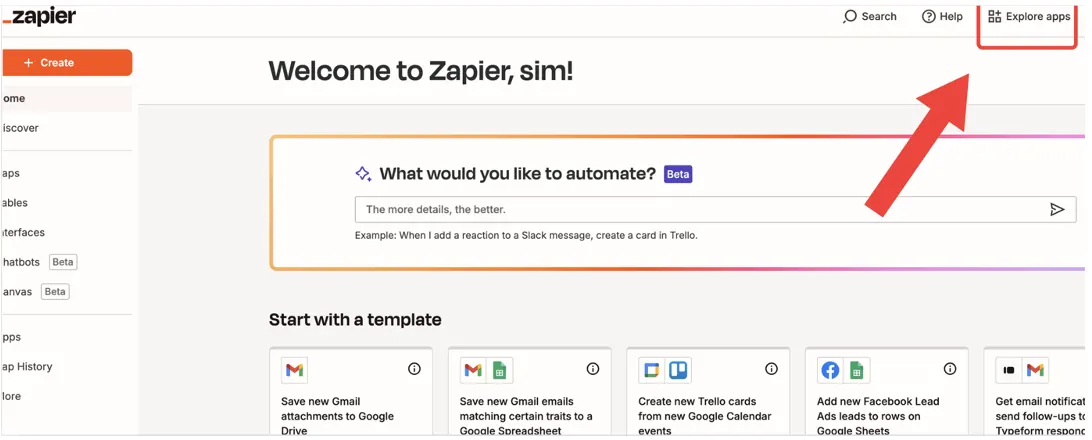
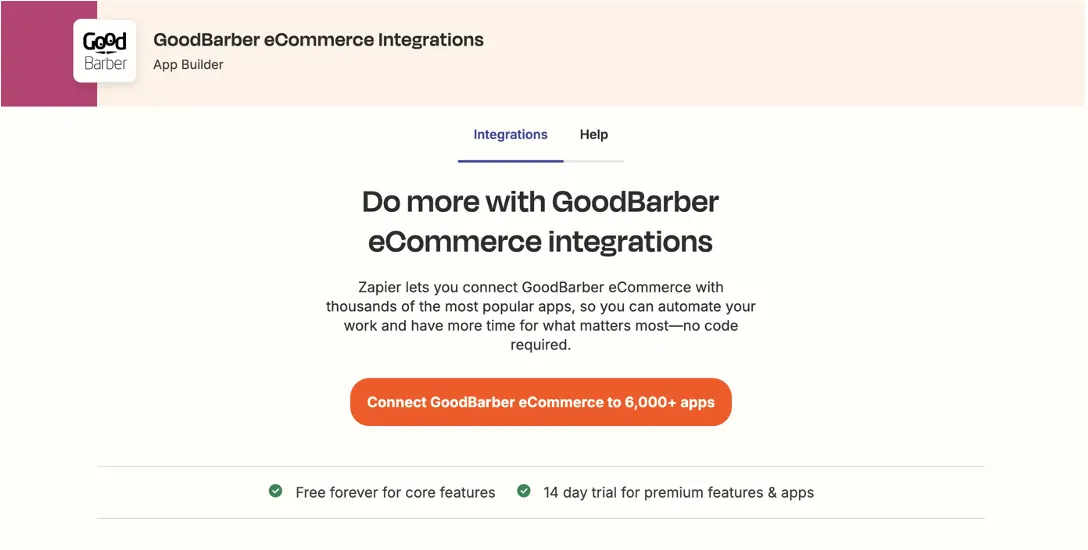
Abra el menú Explore apps en Zapier y busque GoodBarber eCommerce.
Después, en su back office de GoodBarber:
- Abra el Extensions Store e instale la extensión Zapier si aún no está
- Vaya a Settings, Zapier
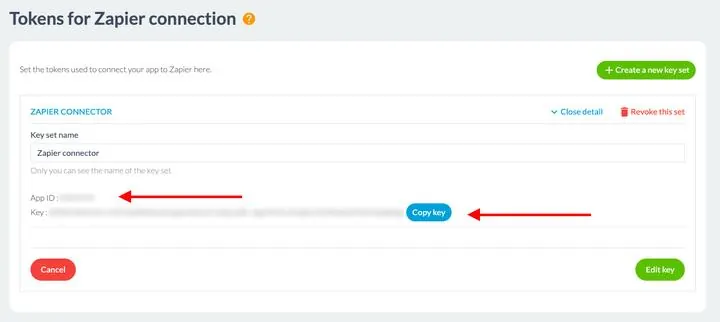
- Haga clic en Create a new key set; aparecen el App ID y la Key
- Copie ambos valores
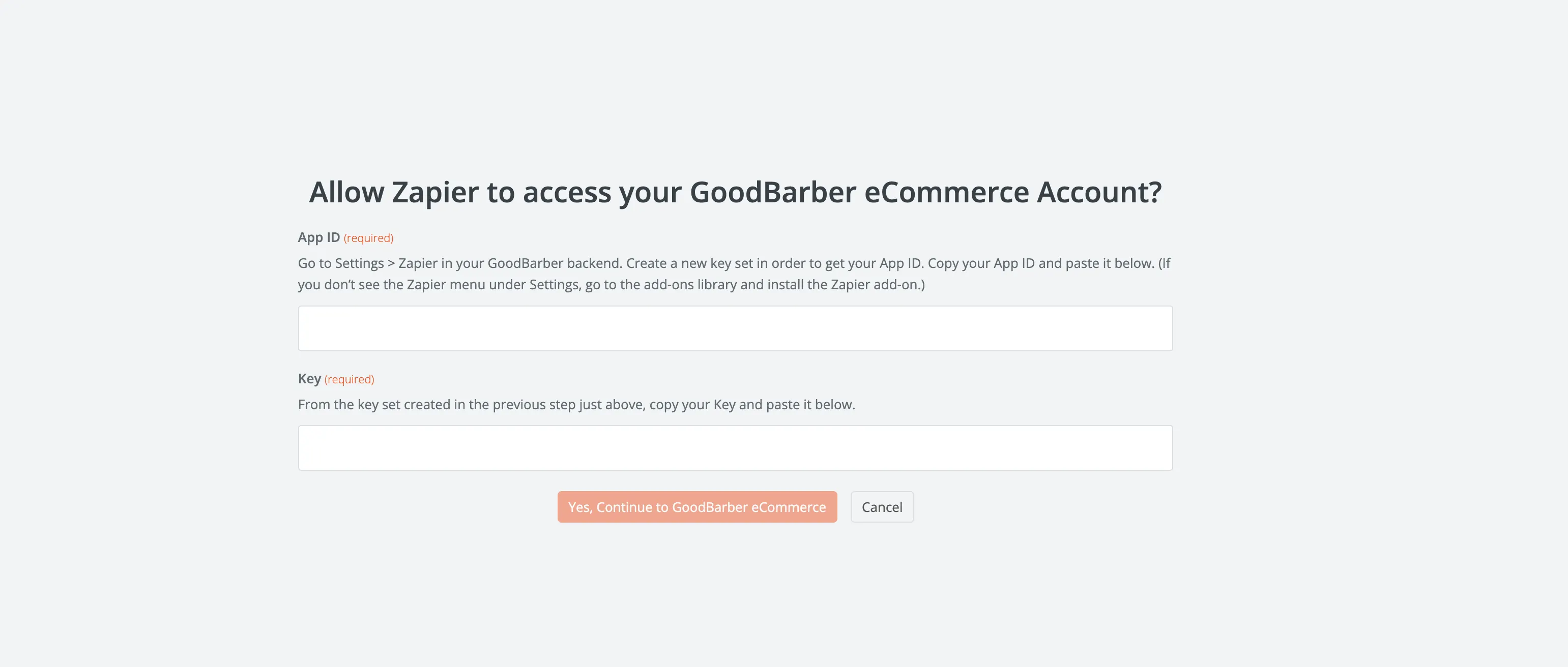
Péguelos en la ventana de Zapier y haga clic en Yes, Continue to GoodBarber eCommerce.
El disparador queda configurado; el bloque muestra ahora 1. New Order.
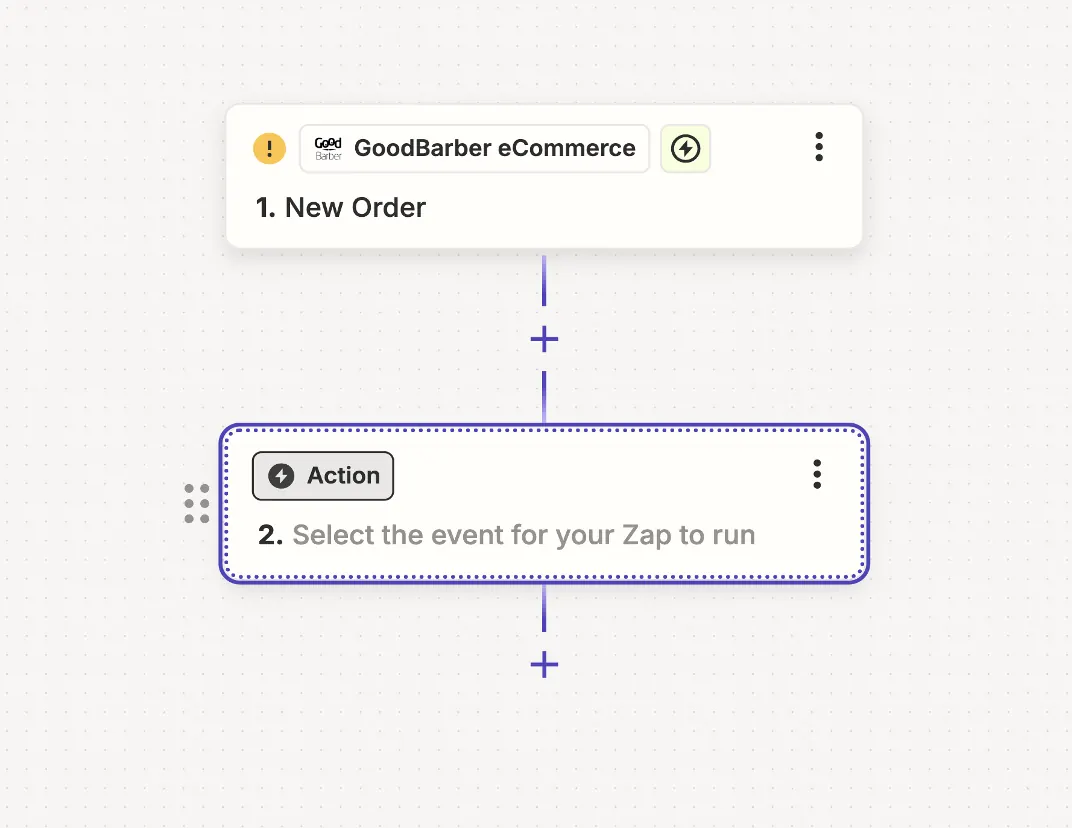
Paso 4, Añadir Expedy Print como acción
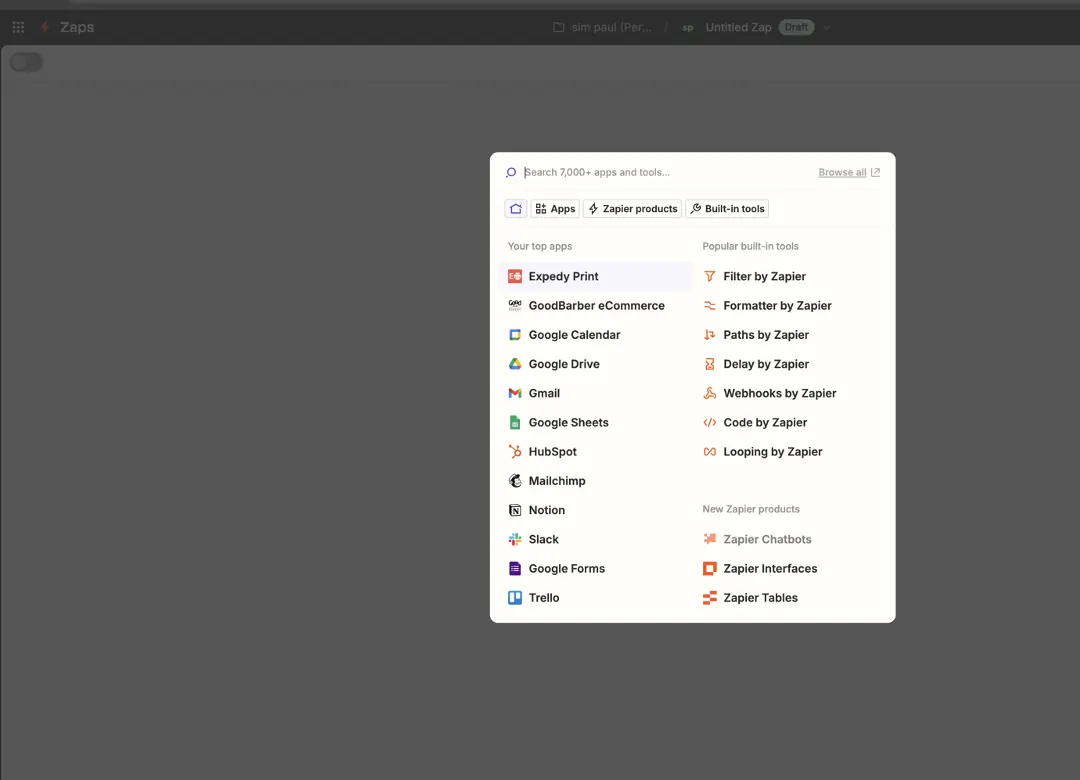
Haga clic en el bloque Action y seleccione Expedy Print.
Elija Create a Print Job como evento de acción.
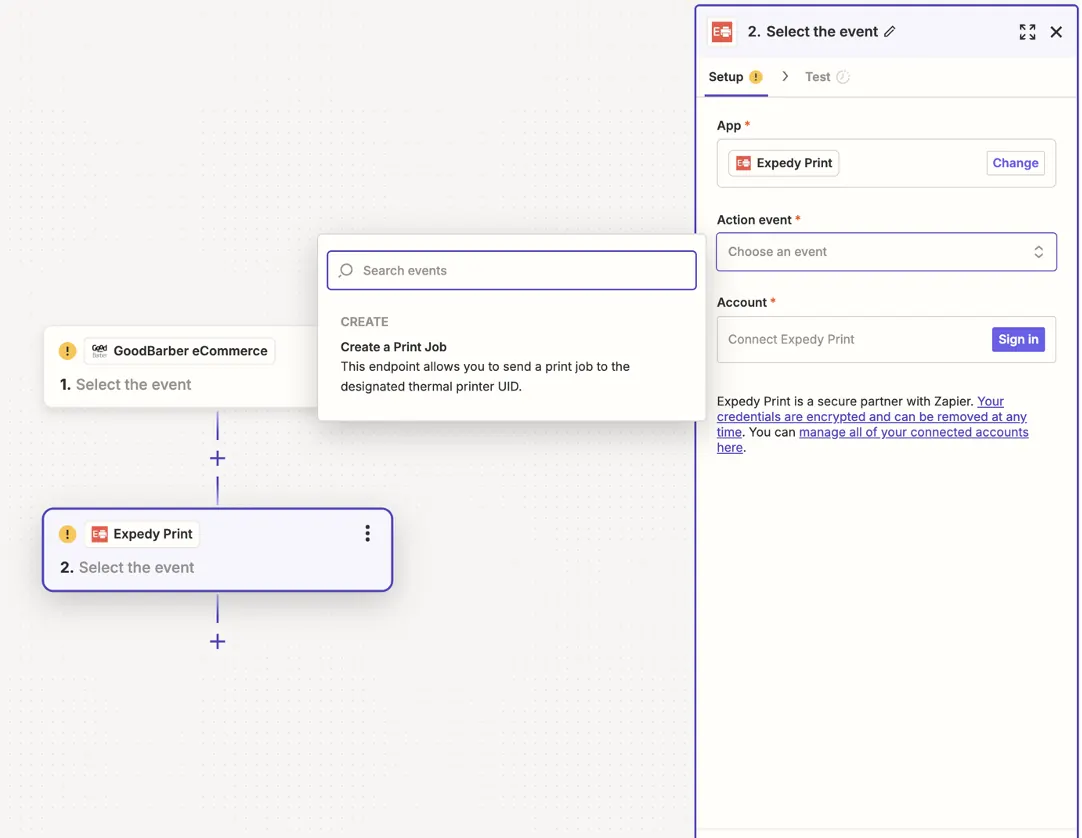
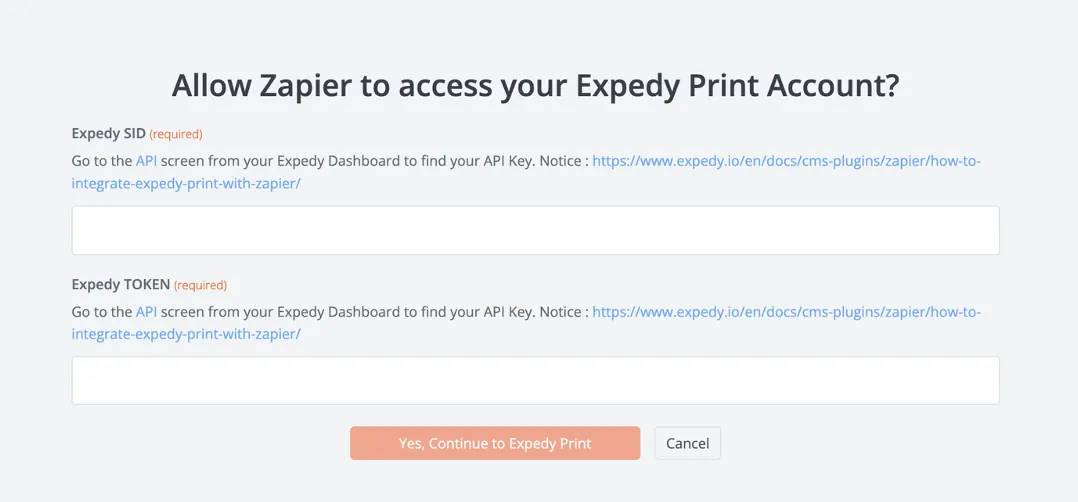
Conecte su cuenta Expedy con su Expedy SID y su Expedy TOKEN. Ambos están en la consola Expedy, en la página de la impresora, en la tarjeta Claves API & UID.
Rellene después el trabajo de impresión:
| Campo | Qué introducir |
|---|---|
| Printer UID | El UID Impresora API, en la misma tarjeta Claves API & UID |
| Message | El contenido del ticket, construido con los campos del pedido de GoodBarber que ofrece Zapier: número de pedido, cliente, artículos, total, dirección de entrega |
Utilice las etiquetas de diseño para alinear, redimensionar y destacar el texto, y la etiqueta de imagen para imprimir su logotipo.
Paso 5, Probar y activar el Zap
Haga clic en Test action. Debe salir un ticket de la impresora. Si Zapier devuelve un error, revise el Expedy SID, el Expedy TOKEN y el Printer UID.
Después haga clic en Publish para activar el Zap. A partir de ese momento, cada nuevo pedido de GoodBarber se imprime automáticamente.
Puede comprobar cada impresión en la consola, en la página de la impresora, en el panel Historial de impresiones.
Ir más lejos
¿Alguna duda? Abra un ticket de soporte