Add a logo to the Shopify order form
Display your company logo or name at the top of every receipt printed via Shopify, no code required.
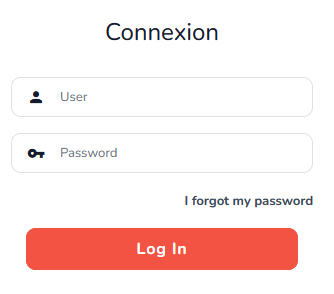
- Log in to the Expedy console
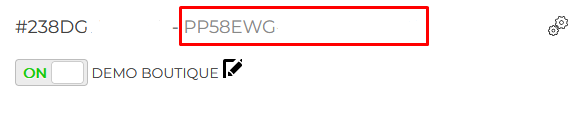
- Go to Printers and select your printer
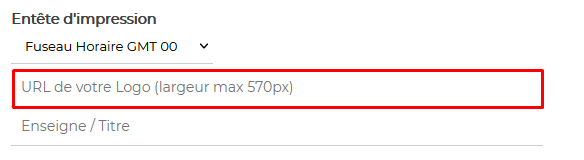
- In the Print Header section, paste the HTTPS URL of your logo
- Click Save
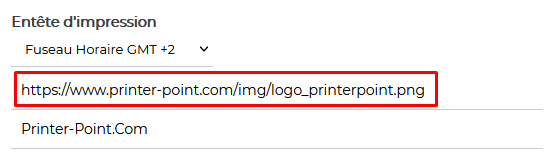
⚠️ The image must be hosted on a secure server (HTTPS).
Avoid transparent backgrounds (alpha layer) and gradients, use flat black on white for best results.
See image requirements for format and dimension guidelines.
Centering your logo
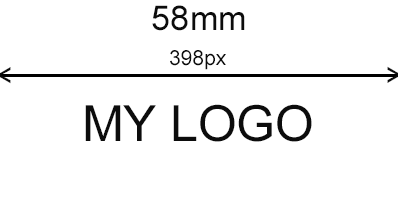
Centering is handled directly in the image file, the logo must be positioned in the centre with equal white margins on both sides, sized to match your paper width.


Are you a Shopify expert?
Help other merchants set up Expedy Print on their store. Join our Partner Program and connect with users who need professional assistance.