Ein Logo zum Shopify-Bestellbeleg hinzufügen
Zeigen Sie das Logo oder den Namen Ihres Unternehmens oben auf jedem über Shopify gedruckten Beleg an, ohne Code.
- Melden Sie sich in der Expedy-Konsole an
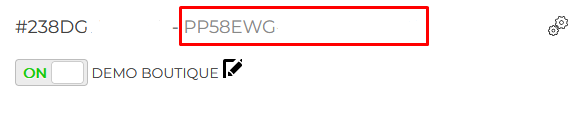
- Gehen Sie zu Printers und wählen Sie Ihren Drucker aus
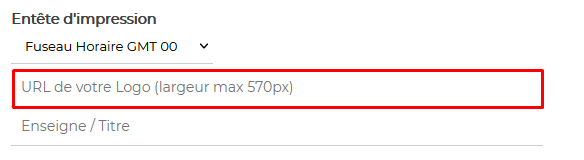
- Fügen Sie im Abschnitt Print Header die HTTPS-URL Ihres Logos ein
- Klicken Sie auf Speichern
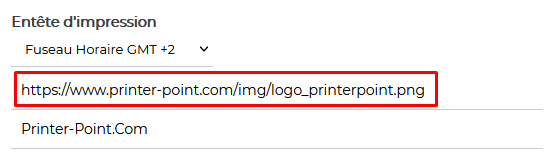
⚠️ Das Bild muss auf einem sicheren Server (HTTPS) gehostet sein.
Vermeiden Sie transparente Hintergründe (Alphakanal) und Verläufe, verwenden Sie für beste Ergebnisse einfaches Schwarz auf Weiß.
Siehe die Bildanforderungen für Format- und Maßvorgaben.
Ihr Logo zentrieren
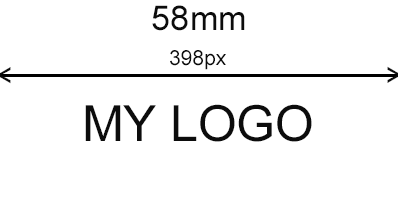
Die Zentrierung erfolgt direkt in der Bilddatei, das Logo muss mittig positioniert sein, mit gleich großen weißen Rändern auf beiden Seiten, passend zur Breite Ihres Papiers dimensioniert.


Sind Sie Shopify-Experte?
Helfen Sie anderen Händlern, Expedy Print in ihrem Shop einzurichten. Treten Sie unserem Partnerprogramm bei und vernetzen Sie sich mit Nutzern, die professionelle Unterstützung benötigen.